Summary
INVITI is a B2B internal invitation system used by multi-staff teams.
Because sending the first invite triggers automated communication, the redesign focused on state visibility and ownership before action.
Product Type:
B2B SaaS · Internal Event Operations System
Users:
Multi-staff team managing VIP invitations
Scope:
Product Strategy · Workflow Redesign · UX Design
When “Send” Triggers Everything
Most systems don’t fail loudly.
They fail when someone clicks “send”
without realizing what happens next.
In INVITI, that first click triggers everything.
automated emails
confirmation status
ticket allocation
external communication
If this step is wrong,
the system continues as if it were right.
Where this breaks
INVITI is a B2B shared VIP invitation system used by multiple staff
Several people can invite guests in the same list at the same time.
When nothing visibly changes yet,
staff often assume no one has acted —
and send another invite.
This is how duplicate or wrong invitations get sent.



Clarity Before Action
Has anyone already acted on this VIP?
In shared workflows, lack of visible change is easily misread as lack of action.
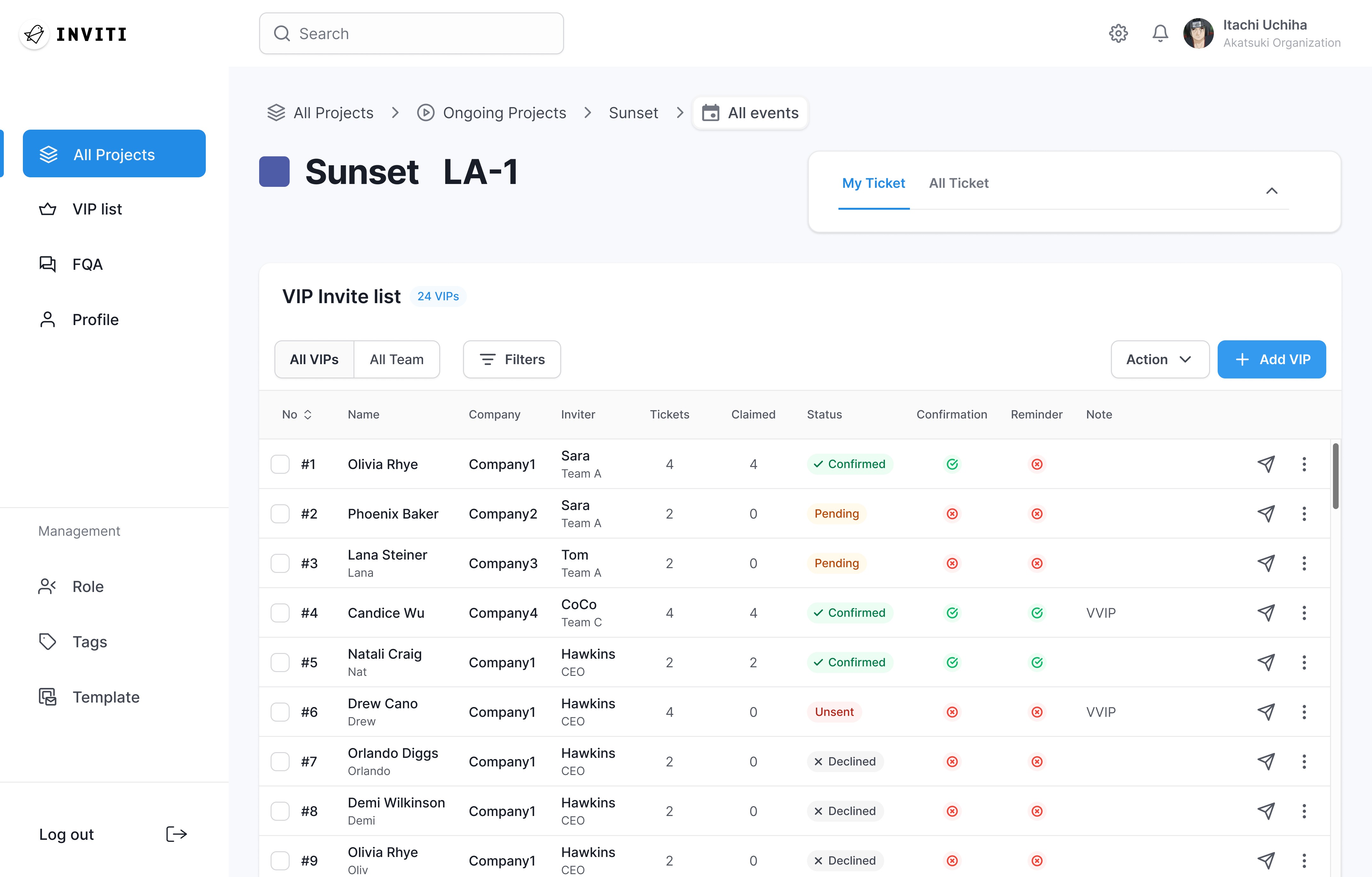
So we designed for clarity before the first invite:
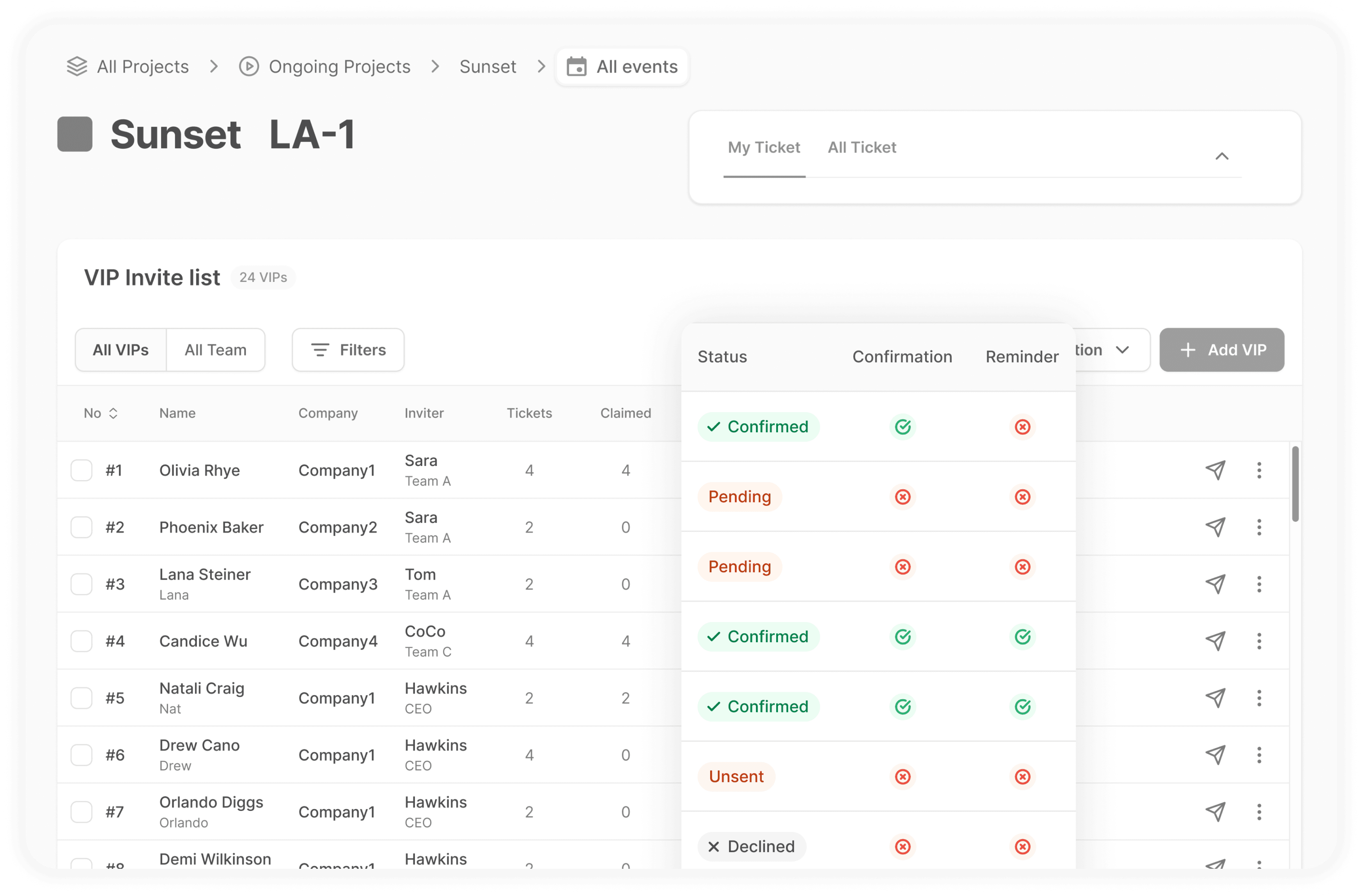
Invitation status visible at list level
Clear ownership per VIP
No hidden activity before “Send”
Protect the Trigger
In this workflow,
the first invite isn’t just a step.
It determines everything that follows.
Only this moment:
relies on human judgment
activates automated communication
commits the system externally
If this decision is wrong,
the system continues as if it were right.
So we focused protection on the trigger point.
How We Protected the Trigger
We made collaboration state visible,
so staff could verify safety before sending.
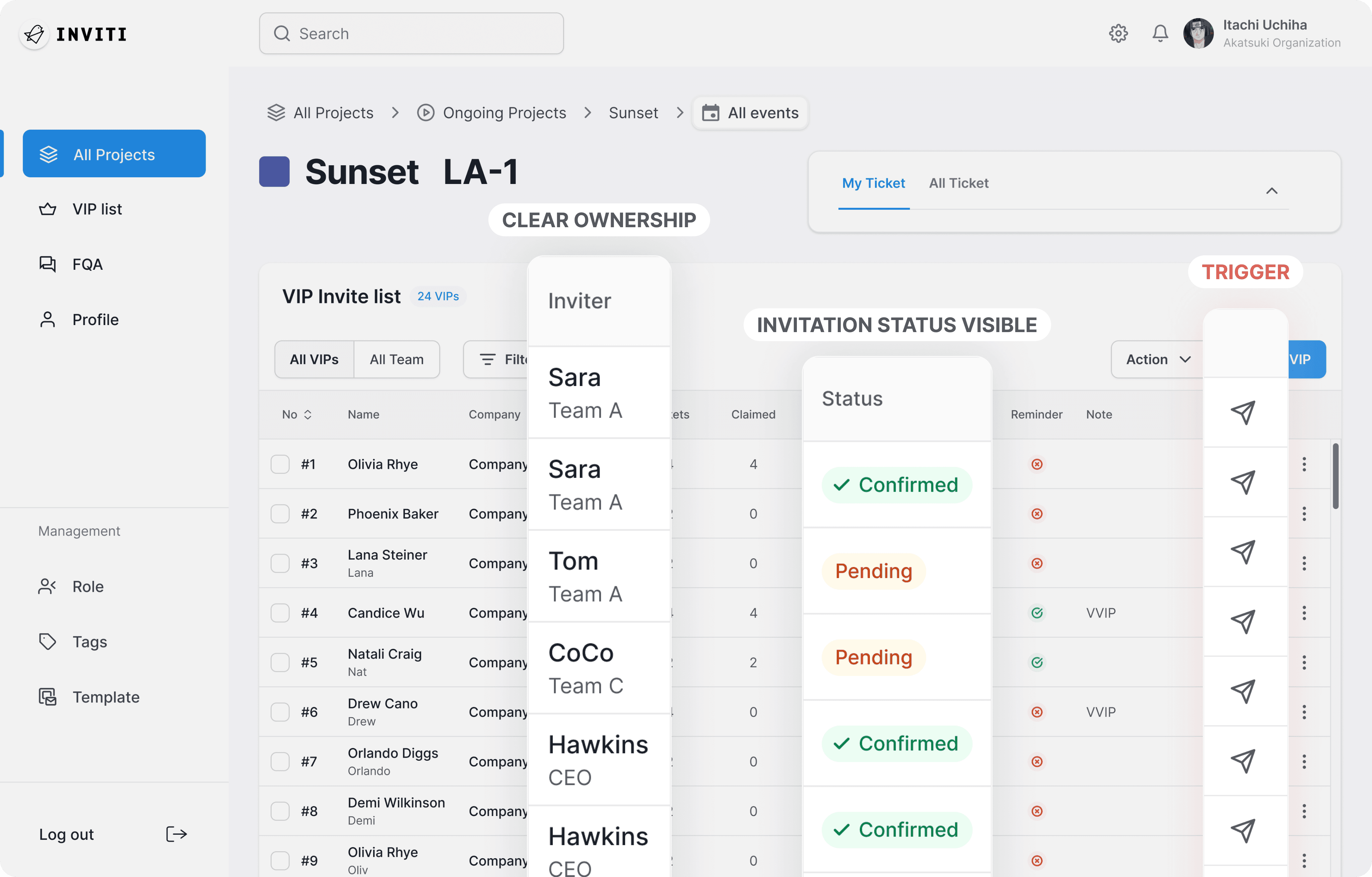
We limited who could act on it,
by defining invitation permissions through role.
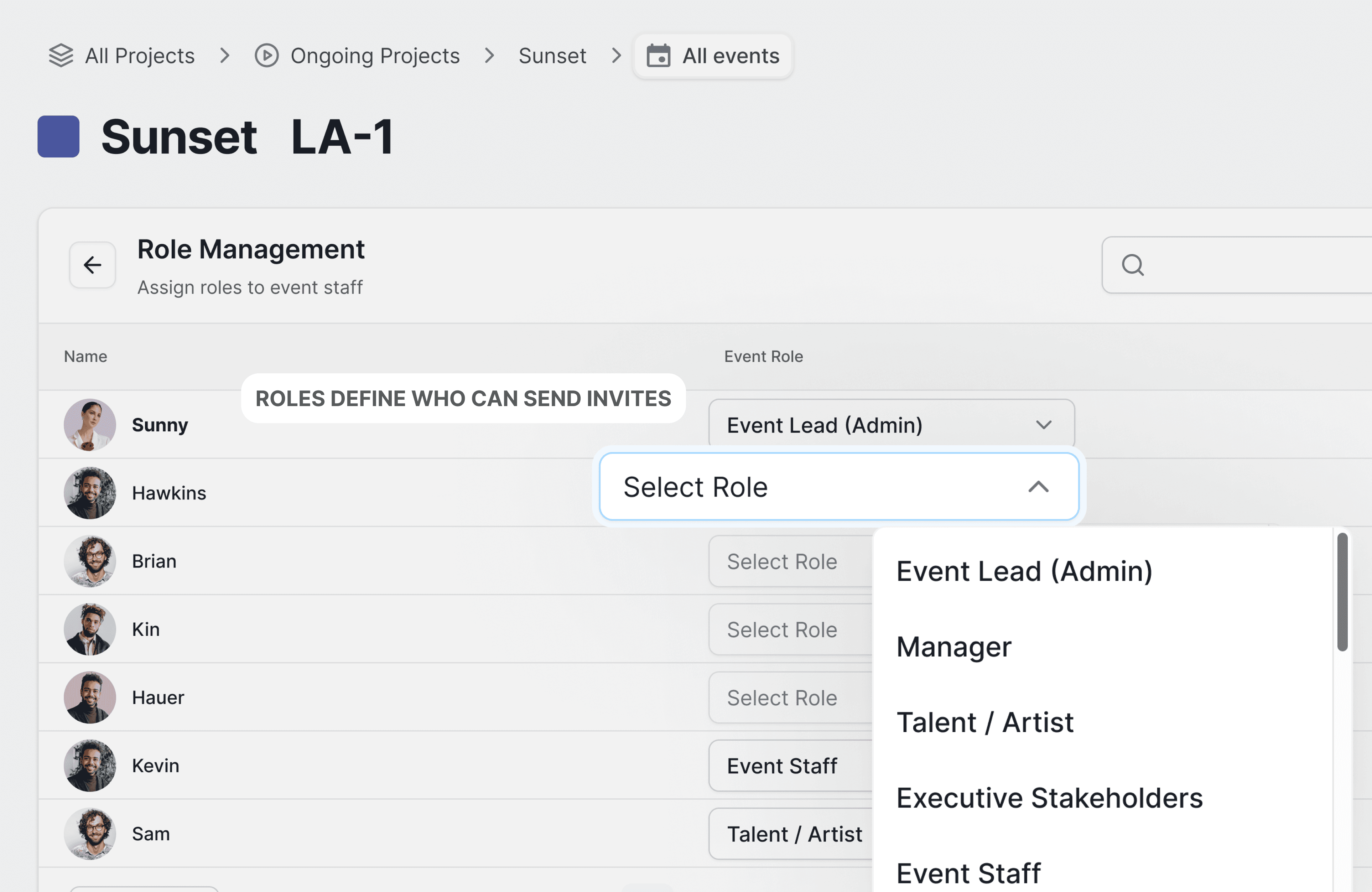
Before sending an invite,
staff can verify three conditions:
whether someone already acted
who owns the invitation
whether they have permission to send
The first invite is no longer guesswork.
It becomes a controlled decision.
Design as Risk Management
This project wasn’t about interface refinement.
It was about identifying the single point in a workflow where errors multiply and protecting it.
Design is not only about making actions easy.
It is about making risky actions safe.
Preventing Silent Failure
I design workflows where
small human actions trigger large system consequences.
So instead of optimizing screens,
I focus on protecting the decision point
that commits the system externally.